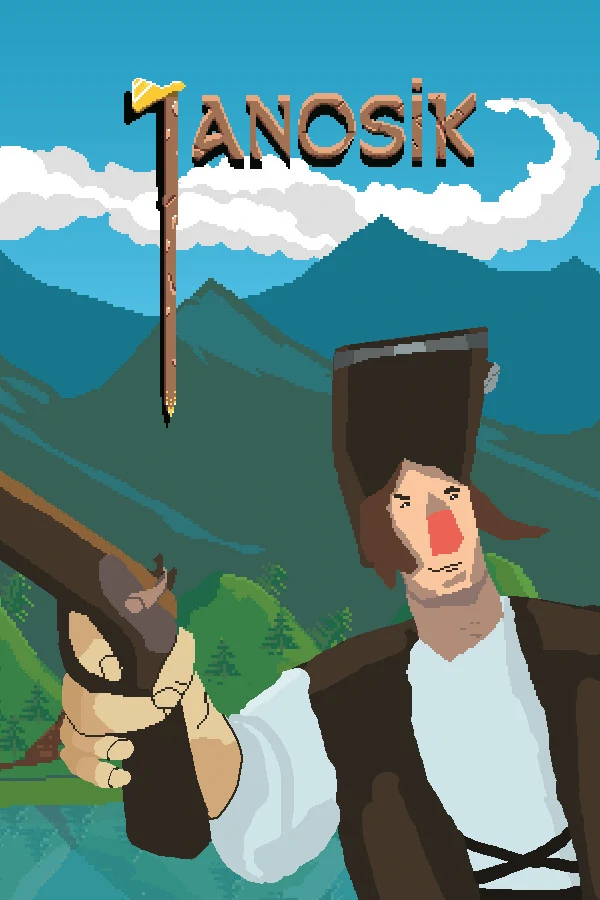
![]() Janosik
Janosik
 Janosik
Details
 |
|
| Playtime | Not Played |
| Last Activity | Never |
| Added | 04/05/2025 20:17:14 |
| Modified | 27/03/2026 19:08:16 |
| Completion Status | Not Played |
| Library | Steam |
| Source | Steam |
| Platform | Macintosh PC (Linux) PC (Windows) |
| Release Date | 25/09/2020 |
| Community Score | 87 |
| Critic Score | |
| User Score | |
| Genre | Action Adventure Casual Free To Play Indie |
| Developer | Onix Games |
| Publisher | Retrovibe |
| Feature | Full Controller Support Single-player |
| Links | Community Hub Discussions Guides News Store Page PCGamingWiki |
| Tag | 1980s 1990's 2D 2D Platformer Action Adventure Cartoony Casual Colorful Controller Family Friendly Free to Play Indie Metroidvania Pixel Graphics Platformer Precision Platformer Puzzle Platformer Retro Singleplayer Steam Deck Verified |
Description
Janosik is a retro action-platformer metroidvania. It's fast-paced, challenging, and full of secrets to discover while exploring its big and interconnected world.
The game is completely FREE and with no microtransactions!
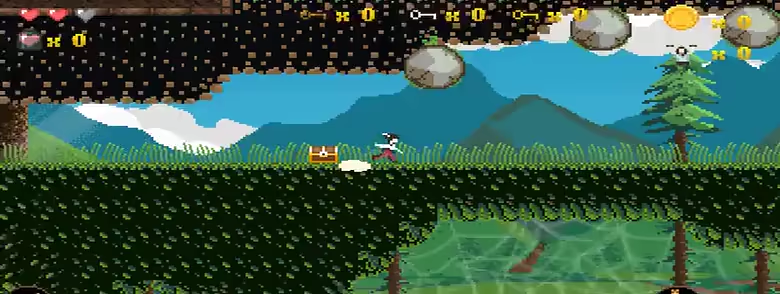
Janosik's companions were captured by the evil Count Von Zur and it’s up to you to find and rescue them from the prison. Explore hand-drawn pixel art world, find secrets, jump over deadly obstacles, roll and attack enemies, collect gold coins and find upgrades.
Janosik gives you about 2 hours of single-player retro platforming fun.
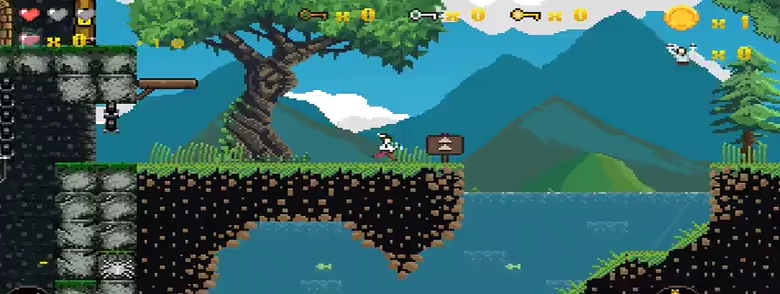
Janosik was a legendary Slovak highlander rogue. According to the legend, he robbed nobles and gave the loot to the poor, just like Robin Hood. The game is based on popular legends in which Janosik had special magical items given to him (usually) by witches. Those items gave him superhuman strength, protected him from bullets, or gave him the ability to jump over the trees. In some legends, Janosik fights with supernatural beings.
We took inspiration from the legends both for this game and the upcoming Janosik 2, and highly recommend that you read more about this hero if you enjoyed playing our retro platformer.
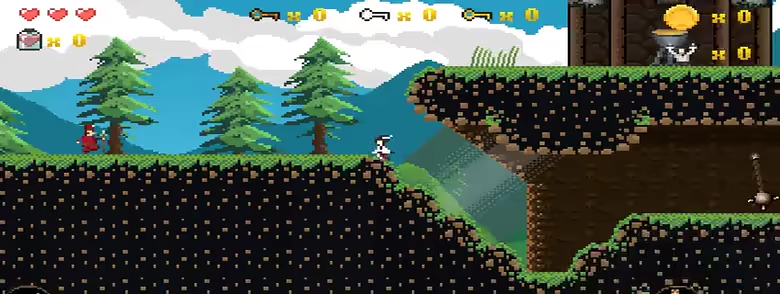
Please note that the Slovakian language version is available in the game’s main menu.
For gamepad configuration support, please visit this forum thread.